



The viral tweet: x.com/gathint/status/2111379569030939102
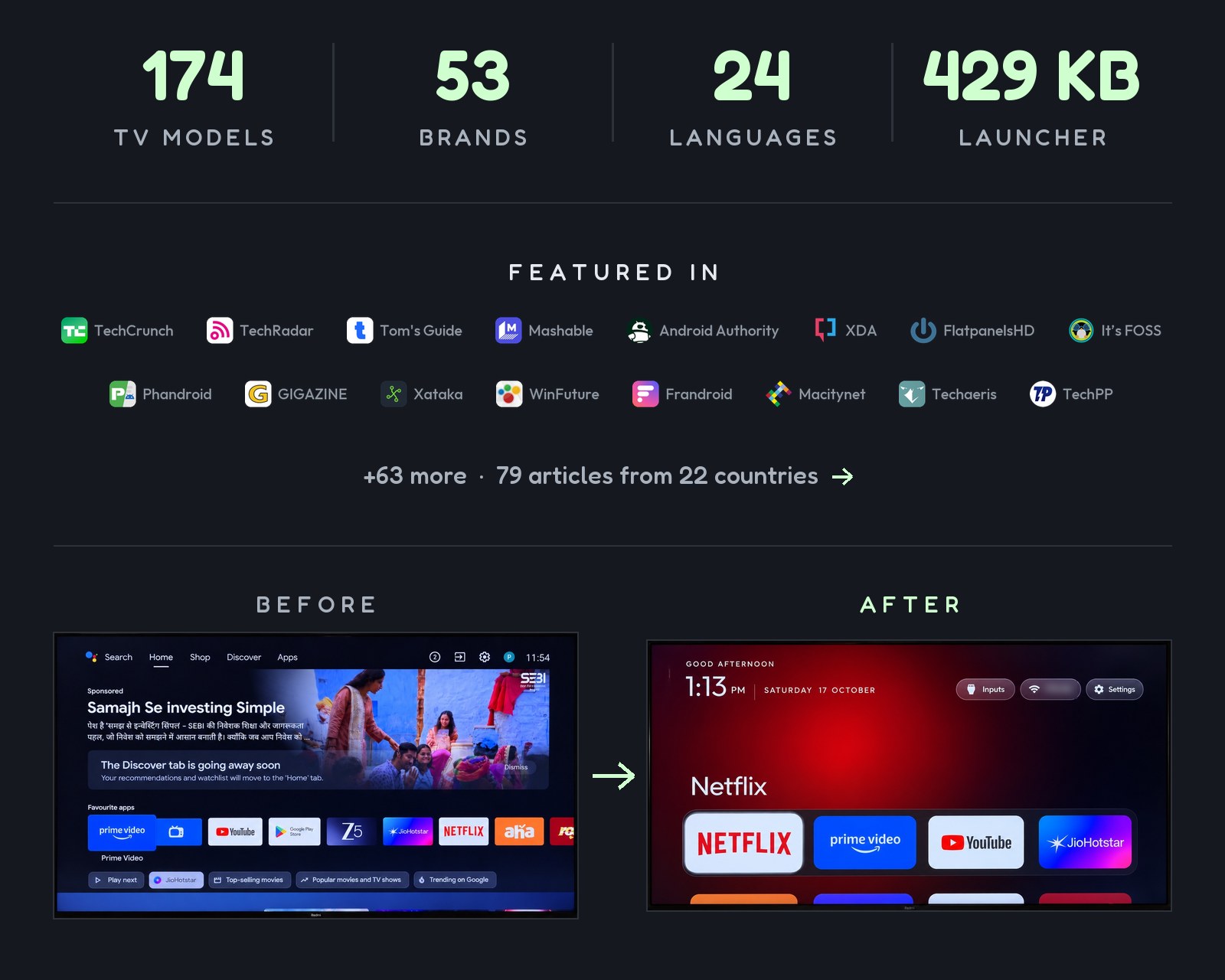
On 17 October 2026 I posted a before and after of my parents' TV, cleaned up by Claude Code over Wi-Fi. It reached 7.4M views, people started doing the same to their own TVs, and their replies turned into the lists here: 170+ TV models from 200+ contributors in four days. The repo was called tv-vibehack until the 19th; old links work.
Themes, switches and add-ons: cleanyour.tv/addons
Official links: the website is cleanyour.tv and the code, launcher and tools live only in this repo. Other domains using the name, such as cleanyourtv.com, are not run by this project (#1004).
Android TVs have the same debug bridge as Android phones. Switch on USB debugging in the TV's developer options, allow your computer once, and the rest is standard Android tooling:
| Step | What happens |
|---|---|
| Back up | The list of installed packages and settings. |
| Disable | The manufacturer's telemetry, ad services, content rows and preloaded junk, with pm disable-user. Nothing is uninstalled, so a restore script can undo every step. |
| Install | A small native launcher, made the default home screen. |
No root, no cable, nothing uninstalled, and a one-line restore if you change your mind.
The bloat differs by brand, so the prompt has your coding assistant discover it on your TV and ask before touching anything you might use.
| You have | Do this |
|---|---|
| A computer | Use the prompt with a coding assistant: the three steps below. |
| Only an Android phone | Use the community-built Clean Your TV app by @udhaykumarbala: connect, analyse, clean, in about five minutes. No laptop, no coding agent. |
With a computer, you need it on the same Wi-Fi as the TV and a coding assistant with shell access.
Any of these work: Claude Code (on 0G Private Computer or an Anthropic plan), Codex or Gemini CLI.
| Where | What to do |
|---|---|
| 1. On the TV | Settings → Device Preferences → About → press OK on Build seven times → back → Developer options → |