




Gogh is a collection of color schemes for terminal emulators across Linux and macOS (plus Cygwin/Mintty on Windows) — see the Terminal Support table below for the full list. These schemes are designed to make your terminal more visually appealing and improve readability with better contrast and color differentiation.
The inspiration for Gogh came from the clean and minimalistic design of Elementary OS, but the project has since grown to include a variety of unique and beautiful options across platforms.
bash -c "$(curl -fsSL https://gogh.website/gogh)"If you want to buy me a coffee voluntarily, you can use this link.
Index:
|
Getting Started |
Themes & Data Help & Contributing |
Project |

In your terminal, type:
For Debian/Ubuntu:
sudo apt-get install dconf-cli uuid-runtimeFor Arch Linux:
sudo pacman -S dconf util-linuxYou can now install Gogh interactively (easiest), install a specific theme directly in one line, or install non-interactively (ideal for scripting).
1. Run the one-line install command:
Linux
bash -c "$(wget -qO- https://gogh.website/gogh)"macOS
bash -c "$(curl -fsSL https://gogh.website/gogh)"Fish or NuShell
bash -c 'bash -c "$(wget -qO- https://gogh.website/gogh)"'2. Select your theme from the interactive list.
DEMO:
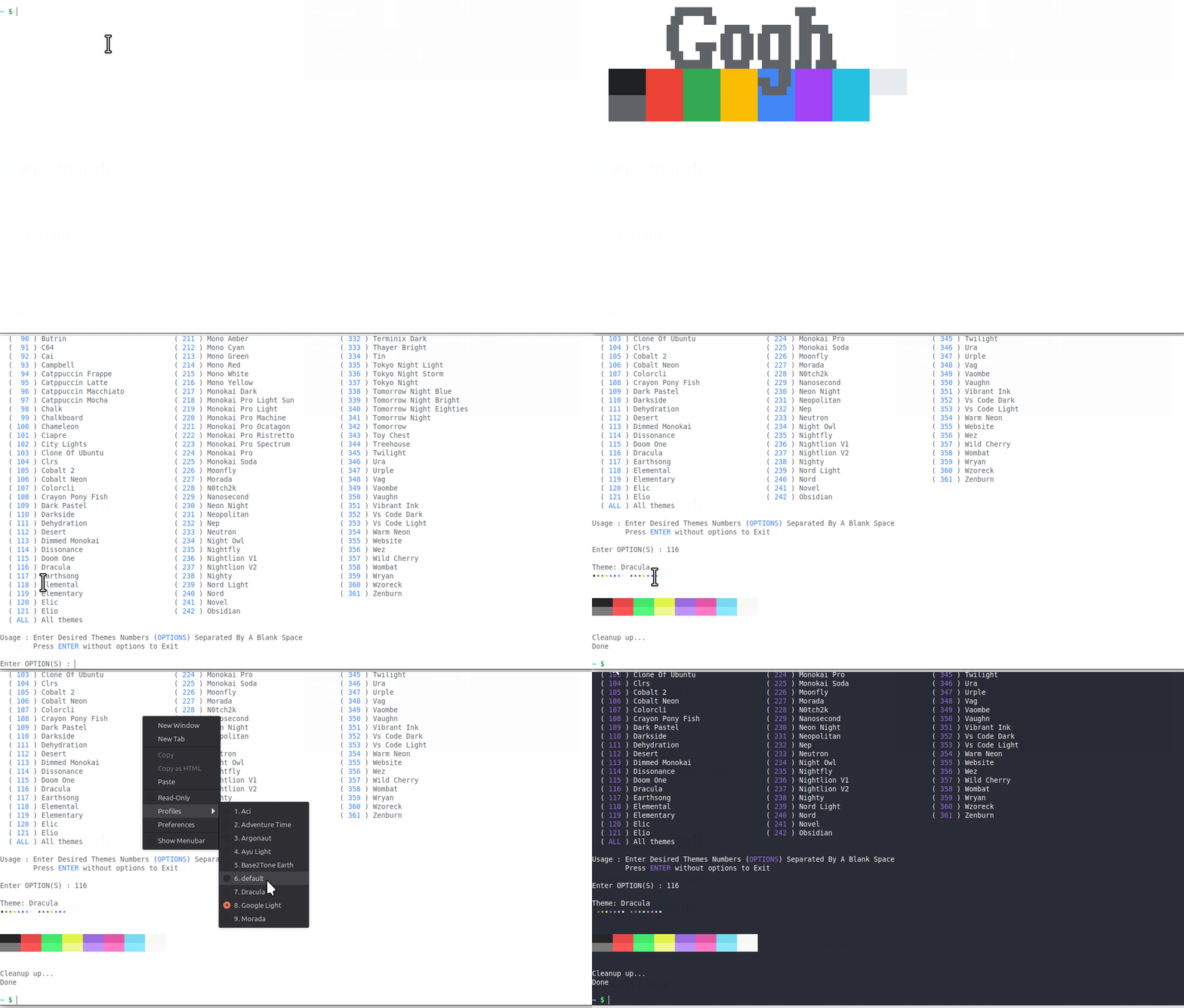
Already know which theme you want? Skip the interactive list and pass its name after --:
bash -c "$(wget -qO- https://gogh.website/gogh)" -- "Aci"For scripting, dotfiles, provisioning tools, CI, or container images.