



Run Claude Code, Codex, or another CLI agent with terminals, code review, and browser previews in one workspace.
Download for macOS • Documentation • Changelog • Discord

The docs are available as a Markdown index linking to individual pages, or one full-text file.
Download the desktop app:
- macOS: Apple Silicon (.dmg) · Intel (.dmg)
- Linux: x64 AppImage (experimental; macOS is the primary target)
- Windows: not yet available
- All builds
All you need installed is Git. gh is optional and enables the PR workflows; Superset offers to install it for you.
- Install Superset and add a repository from your computer or clone one.
- Create a workspace, choose your CLI agent, and describe a small change you want to make.
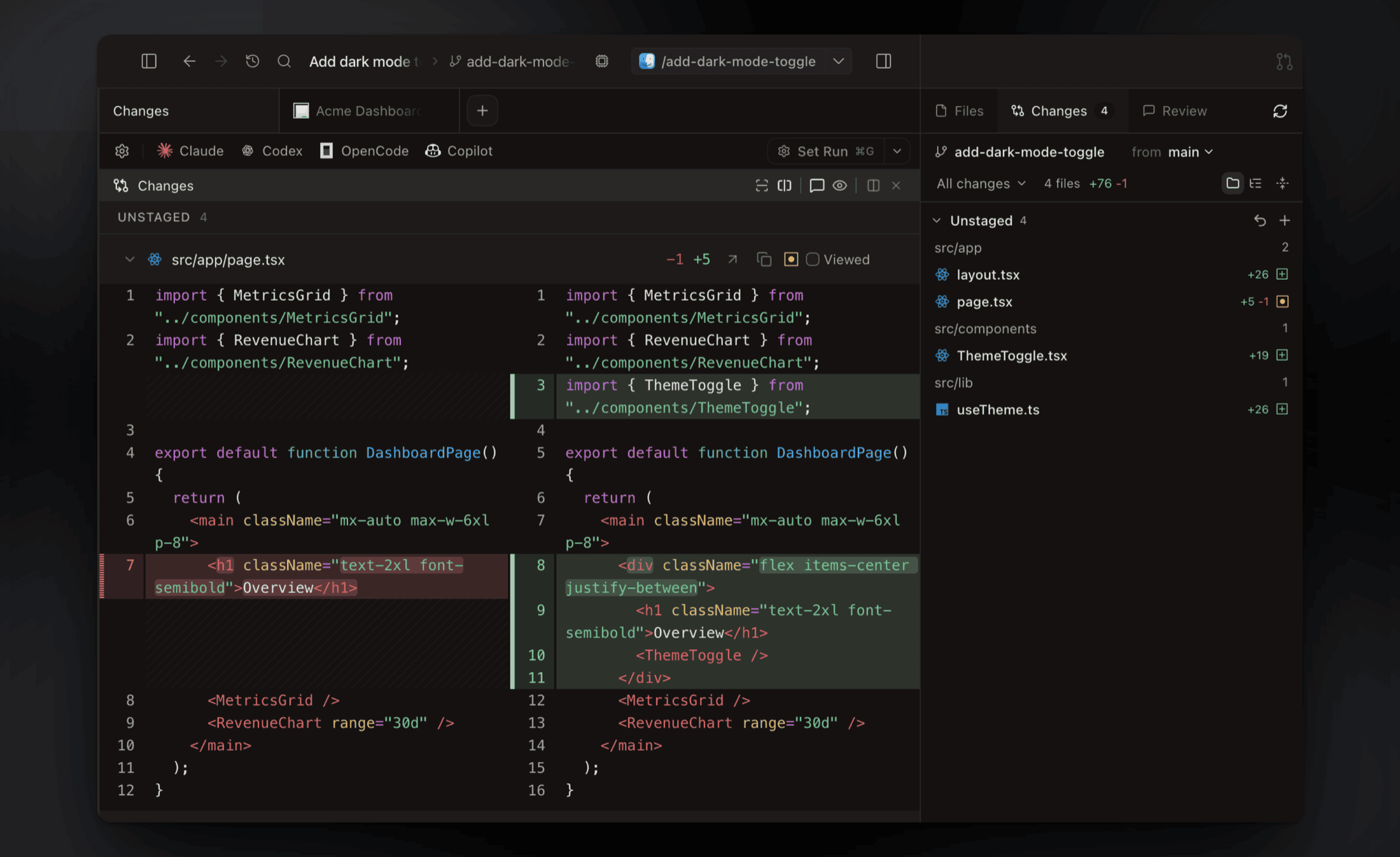
- Inspect its patch in Changes, run the relevant tests, and preview your app in the browser pane before committing.
For a walkthrough of workspace creation and review, see Your First Parallel Session.
- Change your app's UI. Use Design in the browser pane to select an element and send your requested change to an agent with element context. Walkthrough · Design Mode docs
- Ask an agent to fix a PR. Open Pull requests → Code, select diff lines, and send feedback to a running or new agent session. Posting to GitHub is optional. Walkthrough · PR docs
- Review a report with your team. Ask an agent to publish a Page. Teammates pin comments, and a watching agent can revise it at the same link. Keep its host and session running for feedback delivery. Walkthrough · Pages docs
See the diff viewer and browser previews
Inspect, comment on, and edit agent changes without leaving the app, then commit and push when it's ready.
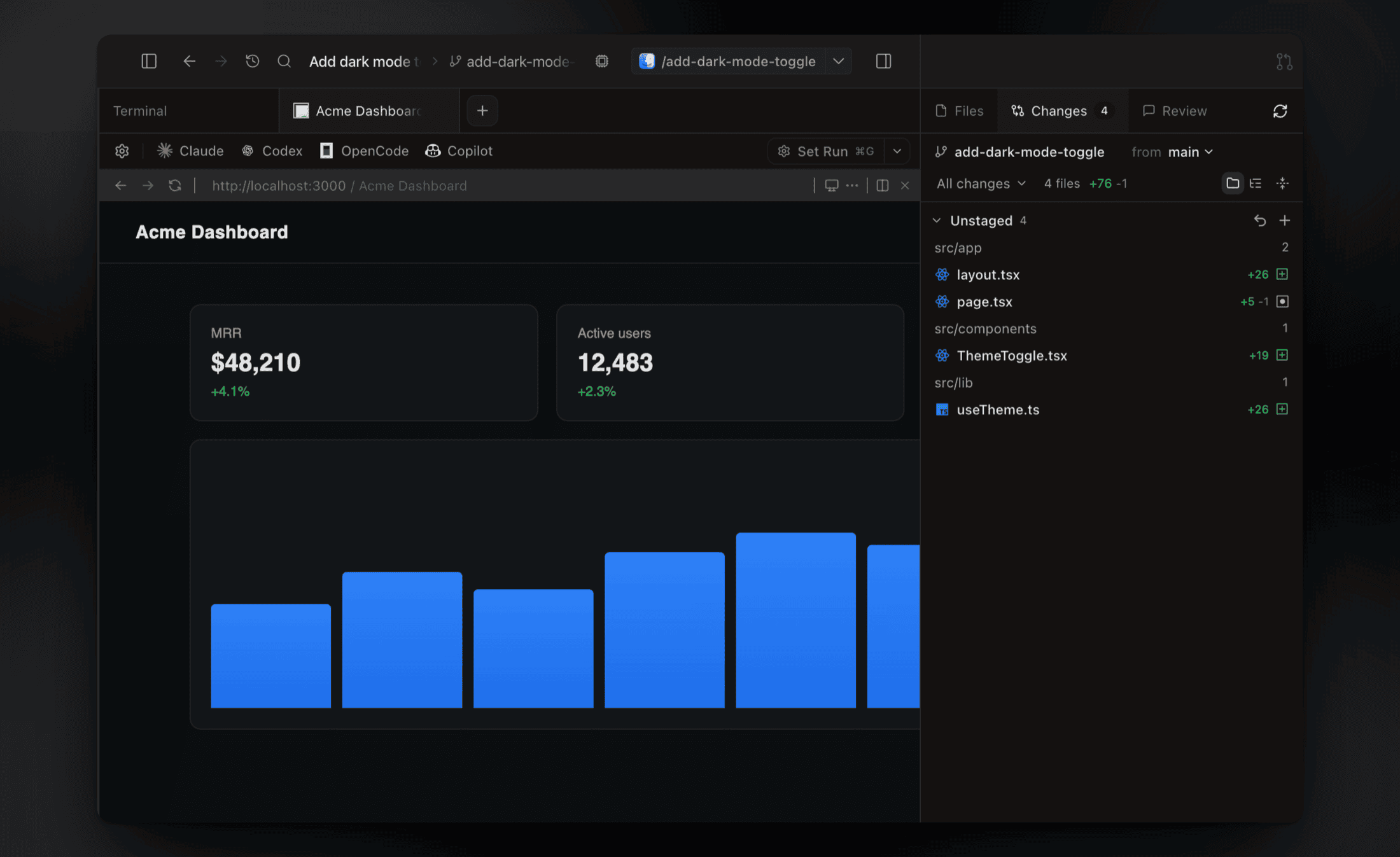
Preview running dev servers in a browser pane. Ports are detected per workspace, so every worktree gets its own preview.
Give each task a Git worktree with its own branch and terminals. Worktrees separate working files; they do not sandbox processes or prevent merge conflicts.