



English | 简体中文
Remix Icon is a set of open-source neutral-style system symbols for designers and developers. Unlike a patchwork icon library, 3200+ icons are all elaborately crafted so that they are born with the genes of readability, consistency, and perfect pixels. Each icon was designed in "Outlined" and "Filled" styles based on a 24x24 grid. Of course, all the icons are free for both personal and commercial use.
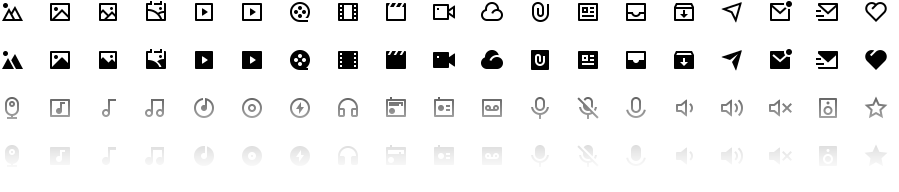 View the full set of Remix Icons at remixicon.com.
Just click the icons you want from remixicon.com, and then you can download the icons in SVG or PNG format.
Designers can click the Copy SVG button and then press ⌘+V or Ctrl+V to paste the vector graphic into your design tool directly, it is easy and simple.
We recommend that designers download or copy icons from our website when needed instead of managing all of them in a local folder. The website's search engine allows you to quickly locate the icon you are looking for and the icons on the website are being continuously updated.
The
Copy SVGnow supports Sketch, Figma, Adobe XD, Adobe Illustrator, Affinity Designer, Affinity Photo, etc.
Using SVG on the web is as simple as JPEG or PNG. Such as:
<img height="32" width="32" src="img/admin-fill.svg" />Note: You can import Remix Icon with npm install, cdn or download it manually.
Note: If you'd like to use Remix Icon with a CDN, you can skip this installation step.
npm install remixicon --save
import 'remixicon/fonts/remixicon.css'
import CSS to your main.js
Copy the following code and add it to the <head> tag of your HTML document.
<link
  href="https://cdn.jsdelivr.net/npm/[email protected]/fonts/remixicon.css"
  rel="stylesheet"
/>
The
@4.9.0in the CDN link can be changed to any history version we've published.
Download remixicon.css file, and add it to the <head> tag of your HTML document.
Add icon with class name, class name rule: ri-{name}-{style}
<i class="ri-admin-line