



P(rocess) M(anager) 2
Runtime Edition
PM2 is a production process manager for Node.js/Bun applications with a built-in load balancer. It allows you to keep applications alive forever, to reload them without downtime and to facilitate common system admin tasks.
Starting an application in production mode is as easy as:
$ pm2 start app.jsPM2 is battle-tested by a comprehensive test suite.
Official website: https://pm2.keymetrics.io/
Works on Linux, macOS, and Windows. Supports Node.js 18+ and Bun 1+.
$ npm install pm2 -g$ bun install pm2 -gIf you only have Bun installed (no Node.js), symlink node to bun so PM2's #!/usr/bin/env node shebang resolves to Bun's node-compatibility runtime:
$ sudo ln -s $(which bun) /usr/local/bin/nodeYou can install Node.js easily with NVM or FNM or install Bun with curl -fsSL https://bun.sh/install | bash
You can start any application (Node.js, Bun, and also Python, Ruby, binaries in $PATH...) like that:
$ pm2 start app.js
$ pm2 start app.ts
$ pm2 start app.py
Your app is now daemonized, monitored and kept alive forever.
Once applications are started you can manage them easily:

To list all running applications:
$ pm2 listManaging apps is straightforward:
$ pm2 stop     <app_name|namespace|id|'all'|json_conf>
$ pm2 restart  <app_name|namespace|id|'all'|json_conf>
$ pm2 delete   <app_name|namespace|id|'all'|json_conf>
To have more details on a specific application:
$ pm2 describe <id|app_name>To monitor logs, custom metrics, application information:
$ pm2 monitCluster mode starts multiple Node.js processes and load-balances HTTP/TCP/UDP queries between them. This significantly increases throughput on multi-core machines and improves reliability (faster socket re-balancing in case of unhandled errors).
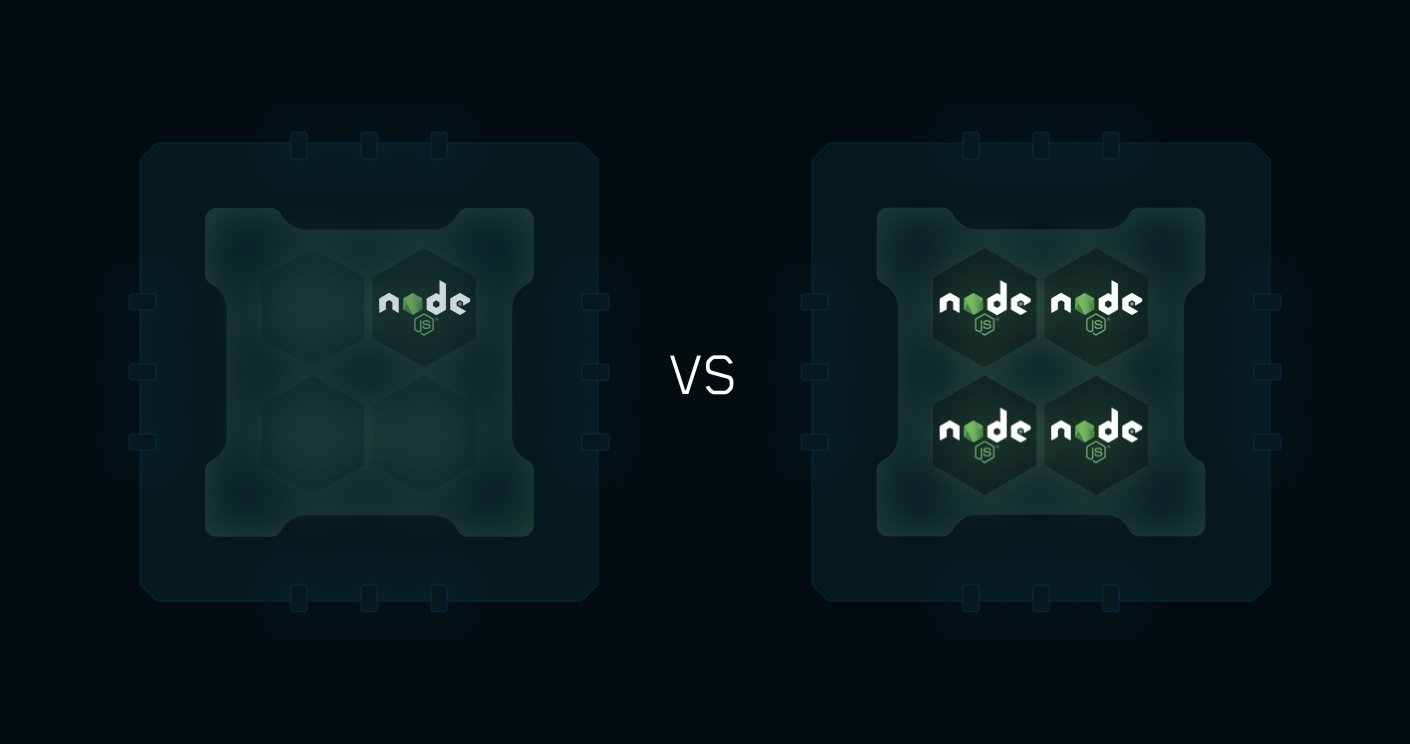
Starting a Node.js application in cluster mode that will leverage all CPUs available: