


The XLibre Xserver is the community-managed display server for the X Window System Protocol Version 11 (Wikipedia), in short, X11.
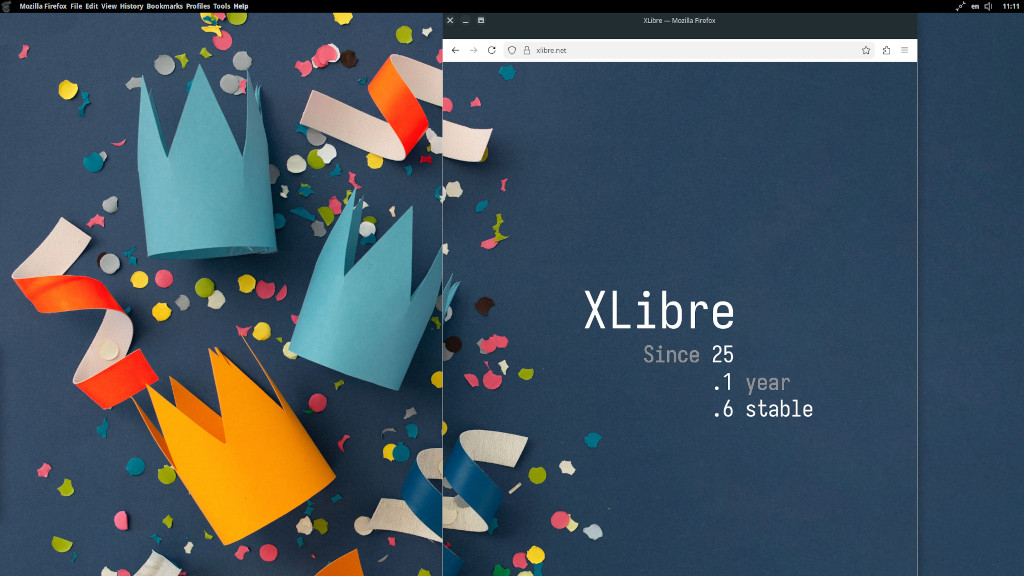 One Year of XLibre. See more liberated screens here.
- All the good things from X.Org Server, including its unreleased features
- TearFree modesetting by default and optionally atomic modesetting
- Support for the Nvidia drivers 340, 390, 470, 570, and newer
- Xnamespace extension for separating X clients
- Support for seat management via seatd besides systemd-logind
- Xfbdev, the generic framebuffer Xserver for Linux
- CI builds for several BSDs, Linux, MacOS, and Microsoft Windows
- Active community, cleanups, fixes, and development based on merit
To learn more about the features and mission of XLibre, please visit our homepage.
The easiest way to install and run XLibre is to use your distribution's provided packages. Please see the Are We XLibre Yet? - (X11Libre/xserver Wiki) page for a list of the available options. If there is no option, then go on with building and installing XLibre from source.
After cloning the Xserver repository or unpacking the sources and installing the dependencies, change into the source directory and run the Meson build tool:
cd "<source dir of xserver>"
meson setup <prefix> build <meson_options>
ninja -C build install
You may specify the install <prefix> with, for example, --prefix="$(pwd)/image" and add build time <meson_options> like so: -Dxnest=false. You may also want to build and install some graphics and input drivers. Please refer to the Building XLibre (X11Libre/xserver Wiki) page for more details.
Until XLibre releases its own, you can find a detailed description of the configuration on the Configuration - Xorg (ArchWiki) page. If you have built and installed XLibre yourself, then change into the <prefix> directory with cd <prefix> and create a directory etc/X11 with a file xorg.conf and adjust it accordingly.
Starting with version 25.0.0.16, the proprietary Nvidia driver is autodetected and handled internally without any special configuration. Please see the