



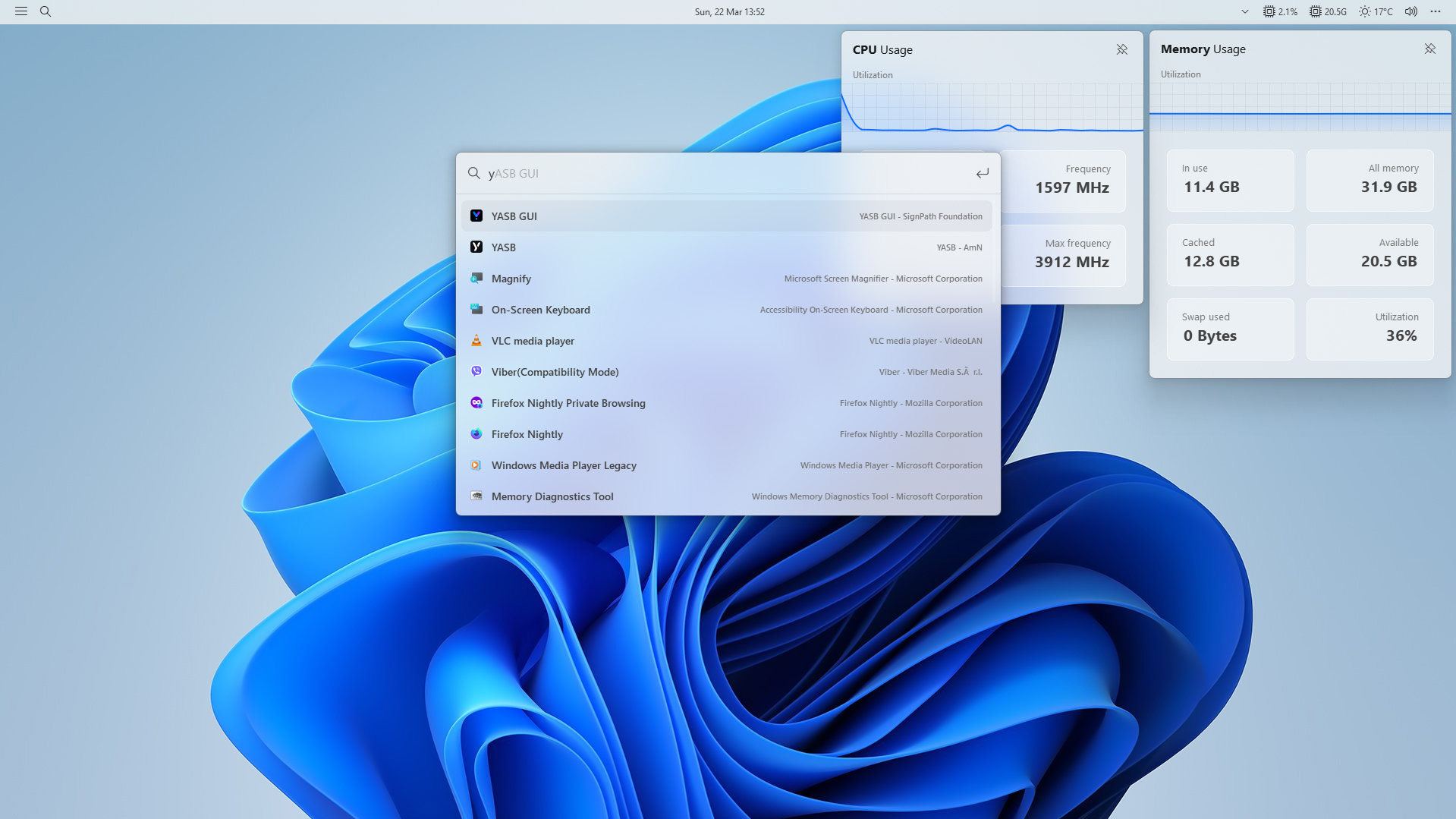
YASB (Yet Another Status Bar) is a highly configurable status bar for Windows, written in Python, with support for many widgets, easy theming, and deep customization.
For detailed installation instructions and system requirements, visit the installation docs.
But to get started quickly, choose one of the installation methods below:
Download .msi from GitHub
Go to the YASB GitHub releases, click Assets to reveal the downloads, and choose the installer that matches your architecture and install scope. For most devices, that's the x64 per-user installer.
WinGet
Download YASB from WinGet. Updating YASB via winget will respect the current YASB installation scope. To install YASB, run the following command from the command line / PowerShell:
User scope installer [default]
winget install AmN.yasbMachine-wide scope installer
winget install --scope machine AmN.yasbScoop
Download YASB from Scoop. Updating YASB via Scoop will respect the current YASB installation scope. To install YASB using Scoop, run the following command from the command line / PowerShell:
Install YASB using Scoop
scoop bucket add extras
scoop install extras/yasb
Chocolatey
Download YASB from Chocolatey. Updating YASB via Chocolatey will respect the current YASB installation scope. To install YASB using Chocolatey, run the following command from the command line / PowerShell:
Install YASB using Chocolatey
choco install yasb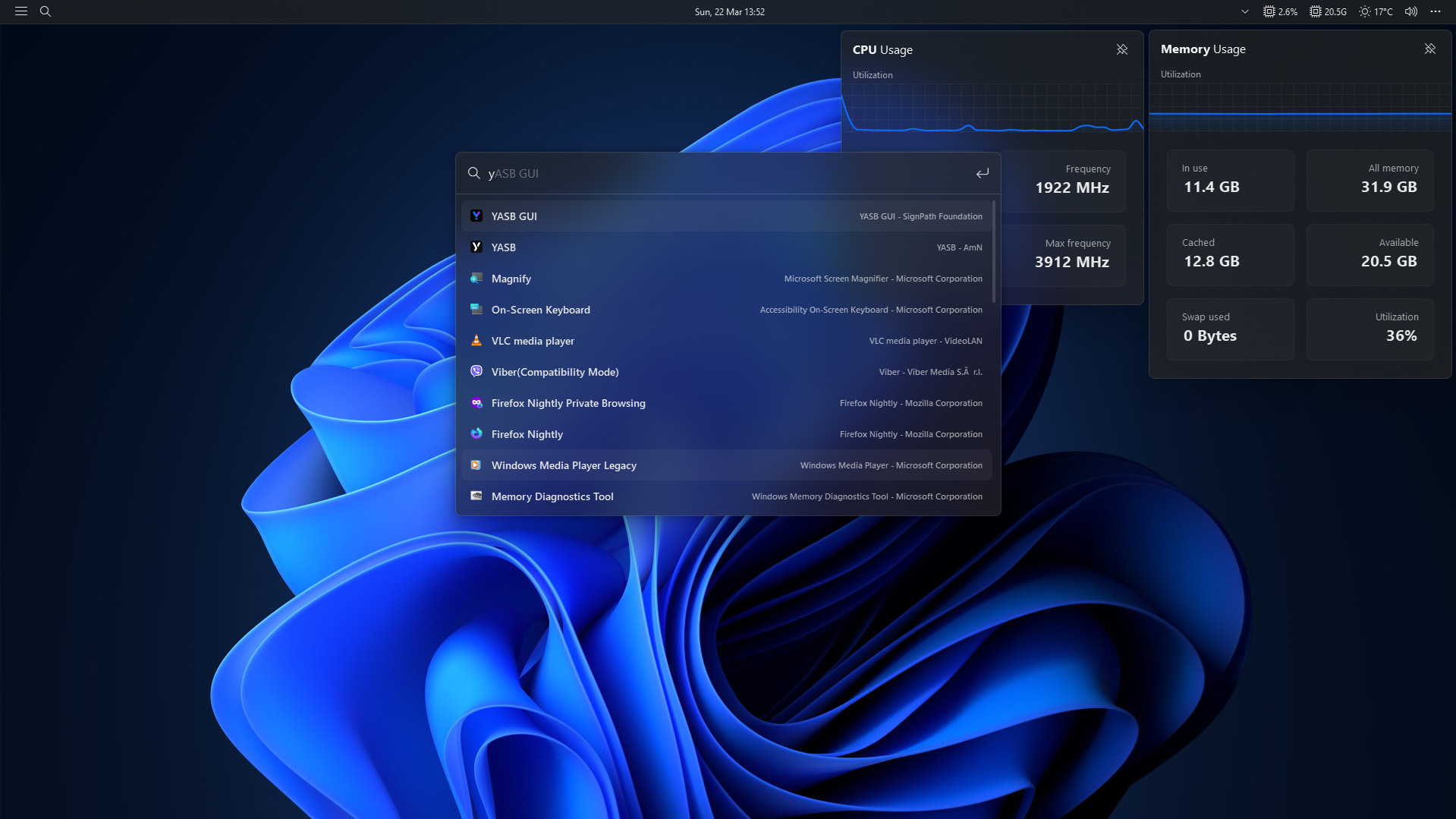
| Widget | Description |
|---|---|
| Active Windows Title | Displays the title of the currently active window. |
| Applications | Shows a list of predefined applications. |
| Audio Visualizer | Native audio visualizer for the default output device (WASAPI loopback) |
| Battery | Displays the current battery status. |
| Bluetooth | Shows the current Bluetooth status and connected devices. |
| Brightness |