



Orange is a data mining and visualization toolbox for novice and expert alike. To explore data with Orange, one requires no programming or in-depth mathematical knowledge. We believe that workflow-based data science tools democratize data science by hiding complex underlying mechanics and exposing intuitive concepts. Anyone who owns data, or is motivated to peek into data, should have the means to do so.
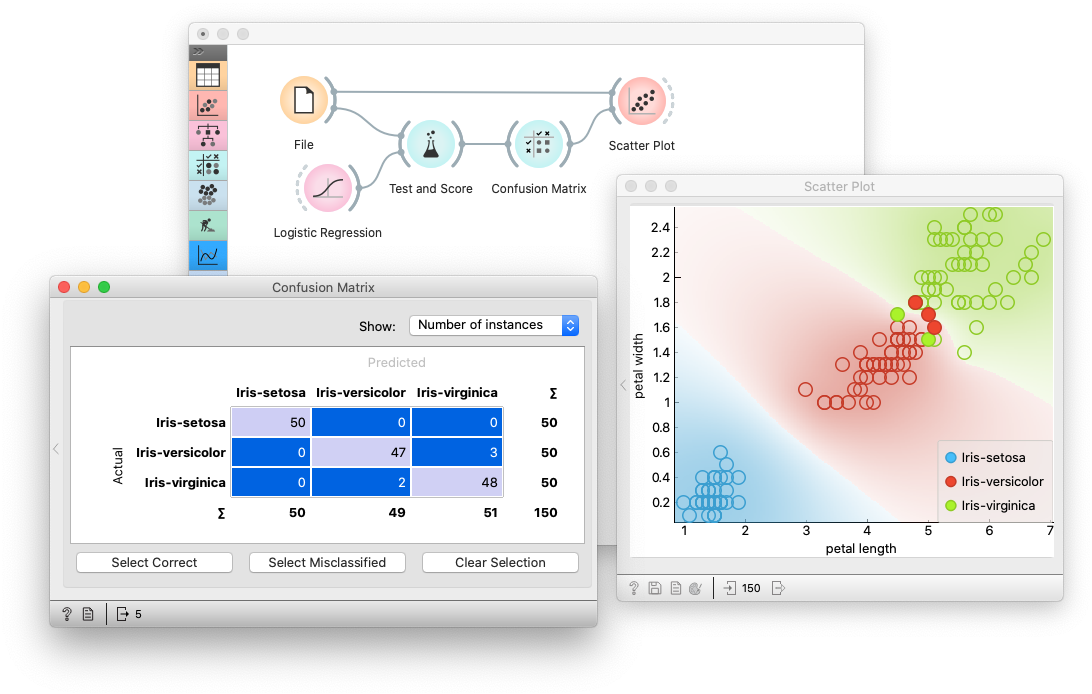
On Windows and macOS, download the latest installer. To install an add-on, head to Options -> Add-ons... in the menu bar.
On Linux (or for development), install using conda, pip or uv.
First, install Miniconda for your OS.
Then, create a new conda environment, and install orange3:
# Add conda-forge to your channels for access to the latest release
conda config --add channels conda-forge

# Perhaps enforce strict conda-forge priority
conda config --set channel_priority strict

# Create and activate an environment for Orange
conda create python=3.12 --yes --name orange3
conda activate orange3

# Install Orange
conda install orange3
Run Orange from the correct environment.
conda activate orange3
python -m Orange.canvas
Note that the first launch may take some time.
For installation of an add-on, use:
conda install orange3-<addon name>See specific add-on repositories for details.
We recommend using our standalone installer or conda. Installation with pip might require a C/C++ compiler (on Windows we suggest using Microsoft Visual Studio Build Tools). To install Orange, create and activate a virtual environment, then run:
pip install PyQt6 PyQt6-WebEngine orange3
Run Orange by activating the environment and then executing