



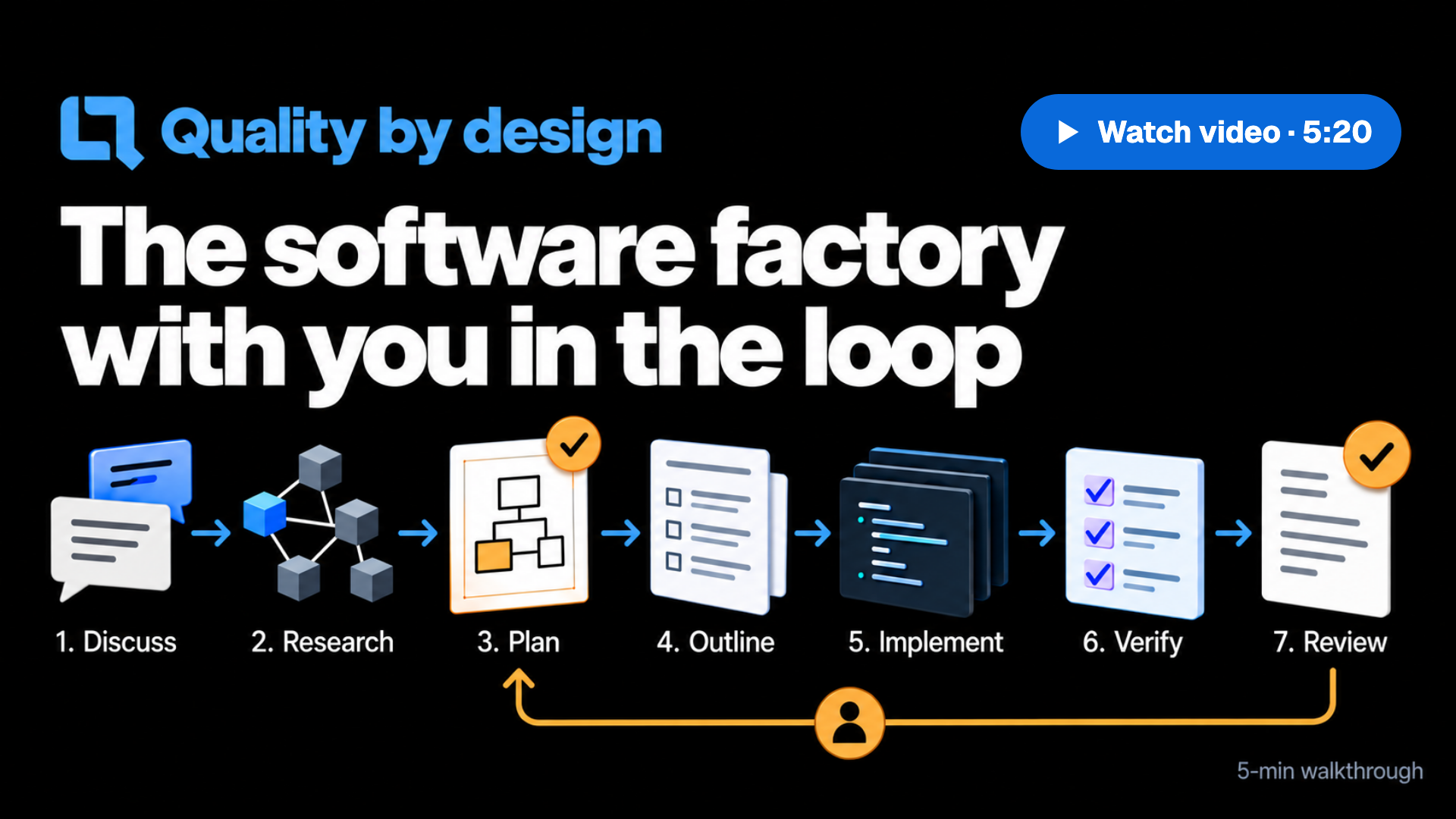
Plan each change visually, then let your agents build and verify it.
Work side by side in the App or browser, or use your favourite terminal or IDE.
Install • Features • Docs • Website • Changelog
Download the App for macOS, Windows or Linux. 7-day trial.
“With QualityLayer, developing software with agents finally feels like doing real engineering again.”
An engineer who uses QualityLayer
QualityLayer keeps design decisions and verification visible while your agents work.
| You get | How it works |
|---|---|
| A design you can review | Comment on diagrams and clickable screens, then approve the Plan before code changes. |
| Small, tested changes | Your agent builds in slices, each starting with a failing test. |
| An independent check | Agents that did not write the code check it against your request. Anything they cannot verify stays open for your decision. |
| Code health checks | Local checks flag complex functions and deeply nested code for your agent to review. Ask for a wider check to find duplication. Code health. |
| Visible decisions and effort | Each step records its decisions and results in your repository, with time and estimated model cost shown in the App. |
Made for medium and large changes. Small requests keep a short Plan and one slice; ask for a ready prompt if you prefer your plain agent.
- A coding agent: Claude Code, Codex, Cursor, Grok, Antigravity, Pi or OpenCode, installed and signed in. Choose it in the App or browser. Other agents connect through the CLI.
- Your own subscription (Claude or ChatGPT plan, or API key). QualityLayer never charges for model usage.
- Git and a repository.
Download the App and open it. Setup activates your licence or starts the trial, installs the qualitylayer command and connects your agents. On a server, in WSL or in a container:
curl -fsSL https://qualitylayer.dev/install.sh